Keybar
Programmable tactile controller
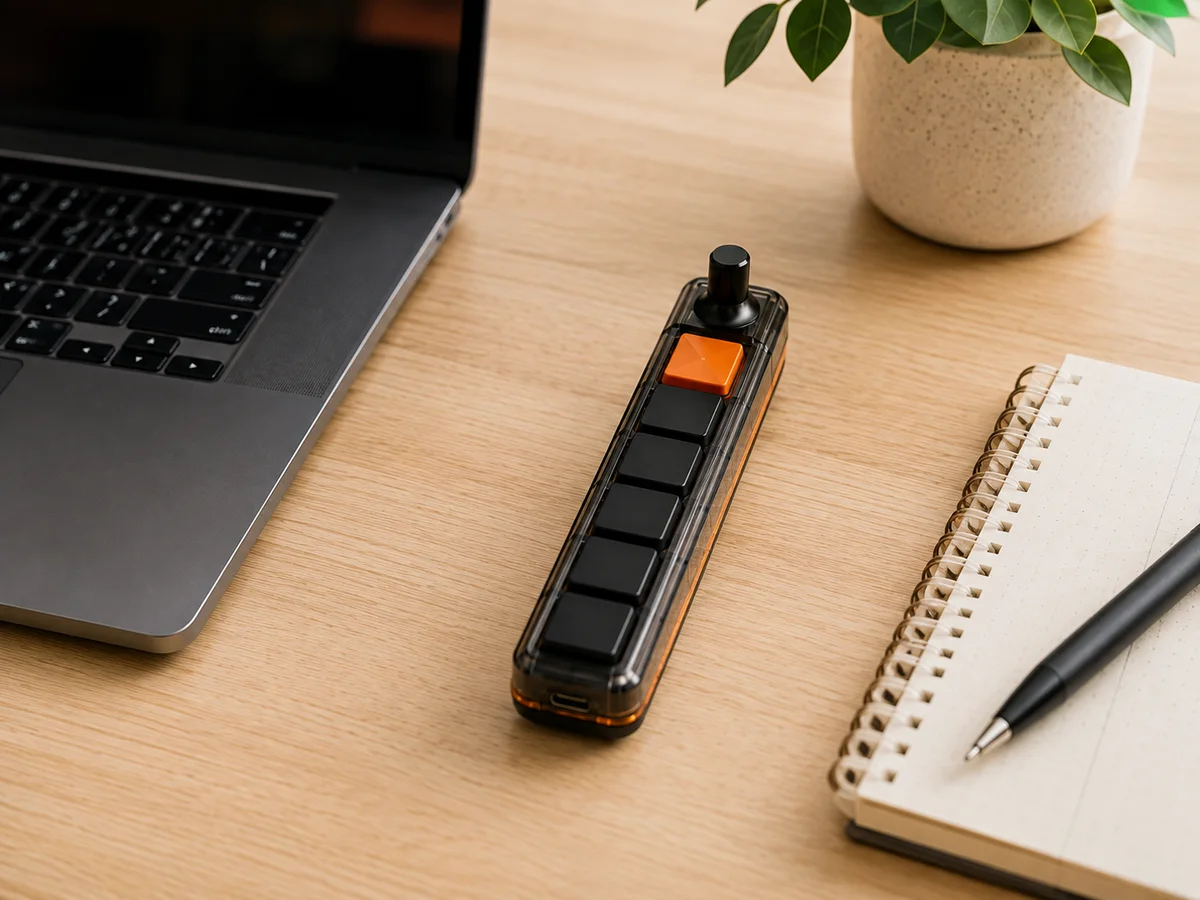
A focused bank of programmable keys and a precision rotary control for the actions you repeat all day.

Compare the collection
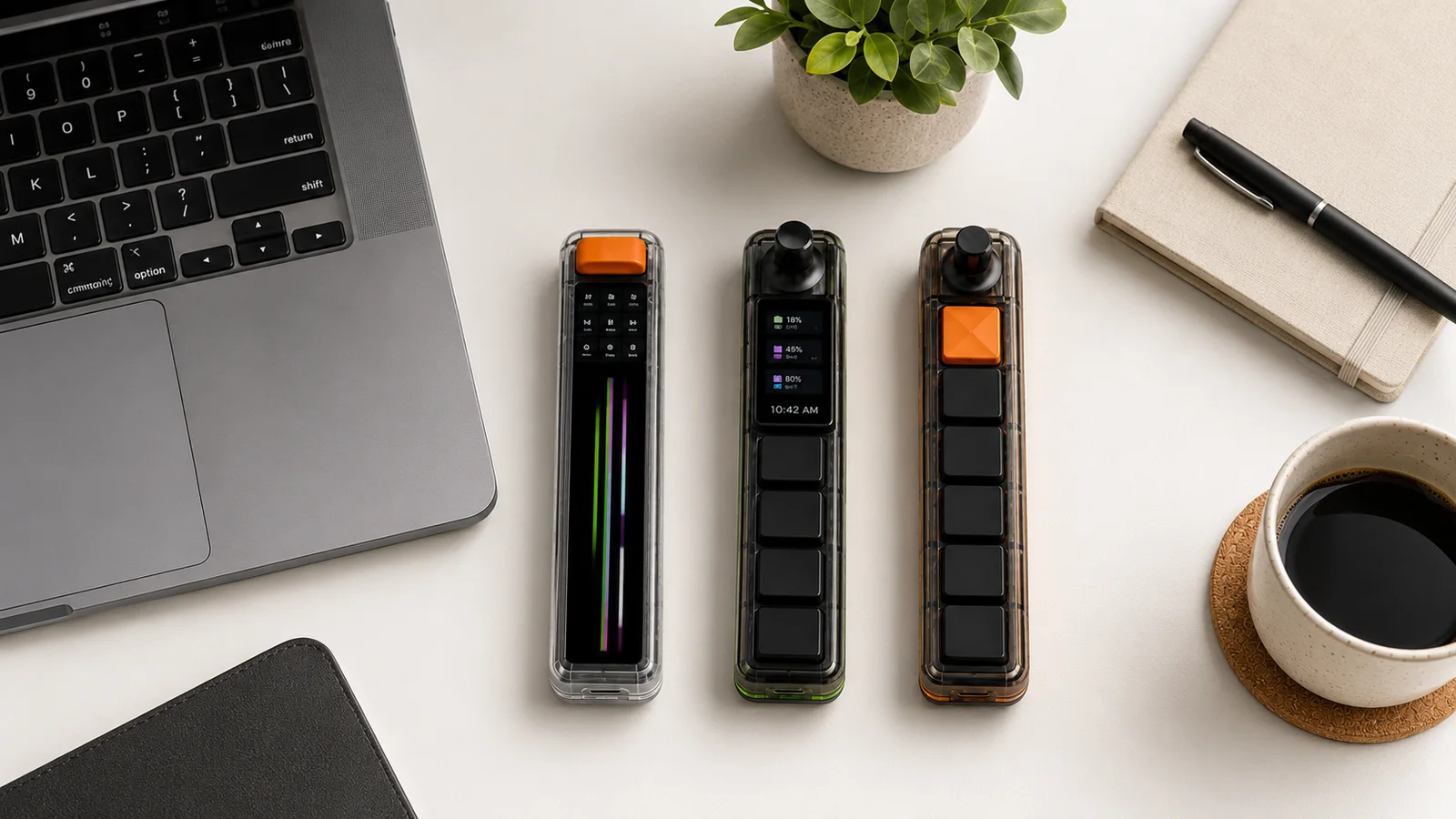
Start with the kind of control you need most: tactile shortcuts, a dynamic visual surface, or a compact combination of both.
| Feature | Keybar | Screenbar | Dashbar |
|---|---|---|---|
| Product role | Programmable tactile controller | Adaptive visual controller | Compact workflow console |
| Primary interface | Key bank + rotary control | Full-length contextual display | Display + key bank + rotary control |
| Best for | Repeat shortcuts and adjustments | Dynamic, visual, app-aware actions | Mixed control and status workflows |
| Physical keys | Six-key concept layout | Display-led interface | Four-key concept layout |
| Rotary control | Yes | Tactile top action control | Yes |
| Display | No primary display | Full-length display | Compact status display |
| Connection concept | USB-C | USB-C | USB-C |
| Configuration | Companion software planned | App-aware profiles planned | Companion software planned |
| Commercial status | Pre-production concept | Pre-production concept | Pre-production concept |
All product information is provisional and may change before production.
Programmable tactile controller
A focused bank of programmable keys and a precision rotary control for the actions you repeat all day.
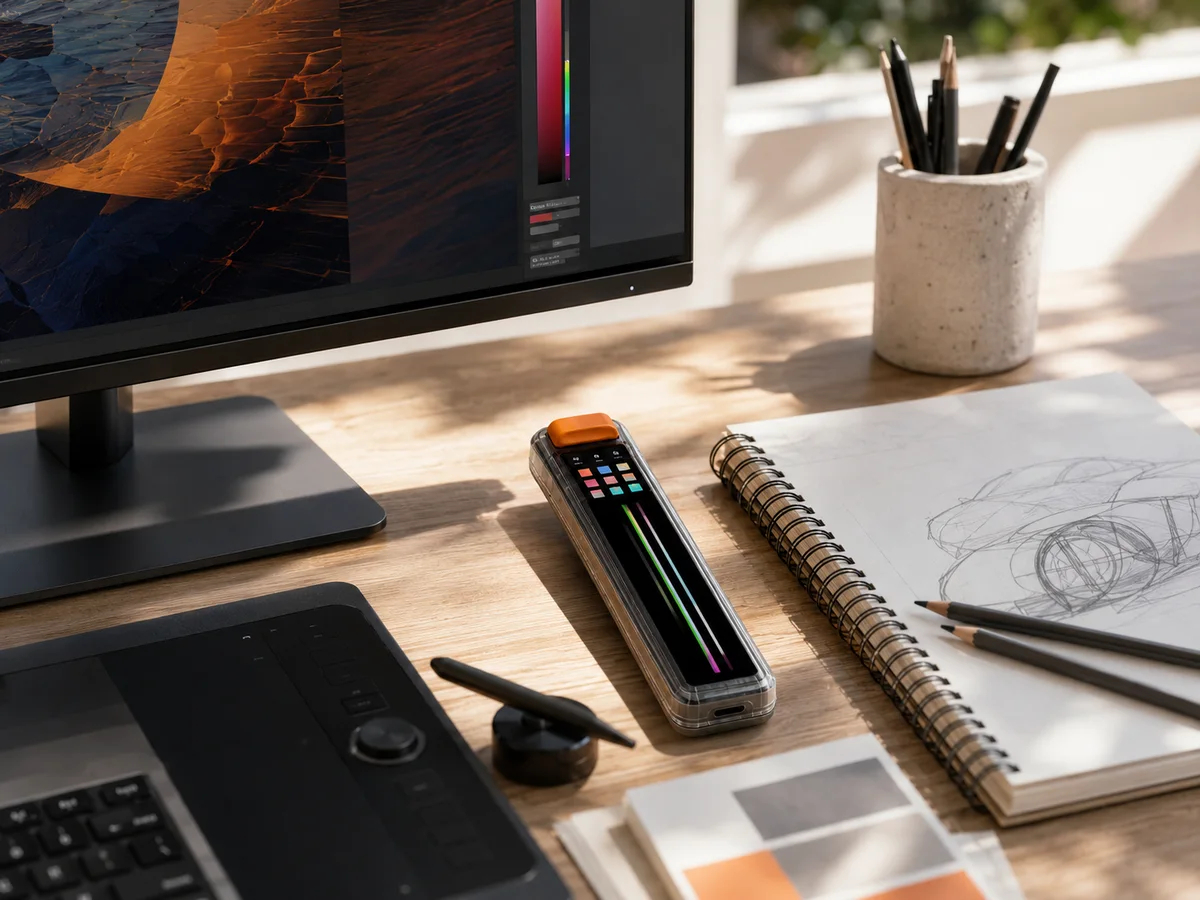
Adaptive visual controller
A full-length contextual display that brings dynamic commands, status, and creative controls beside your keyboard.
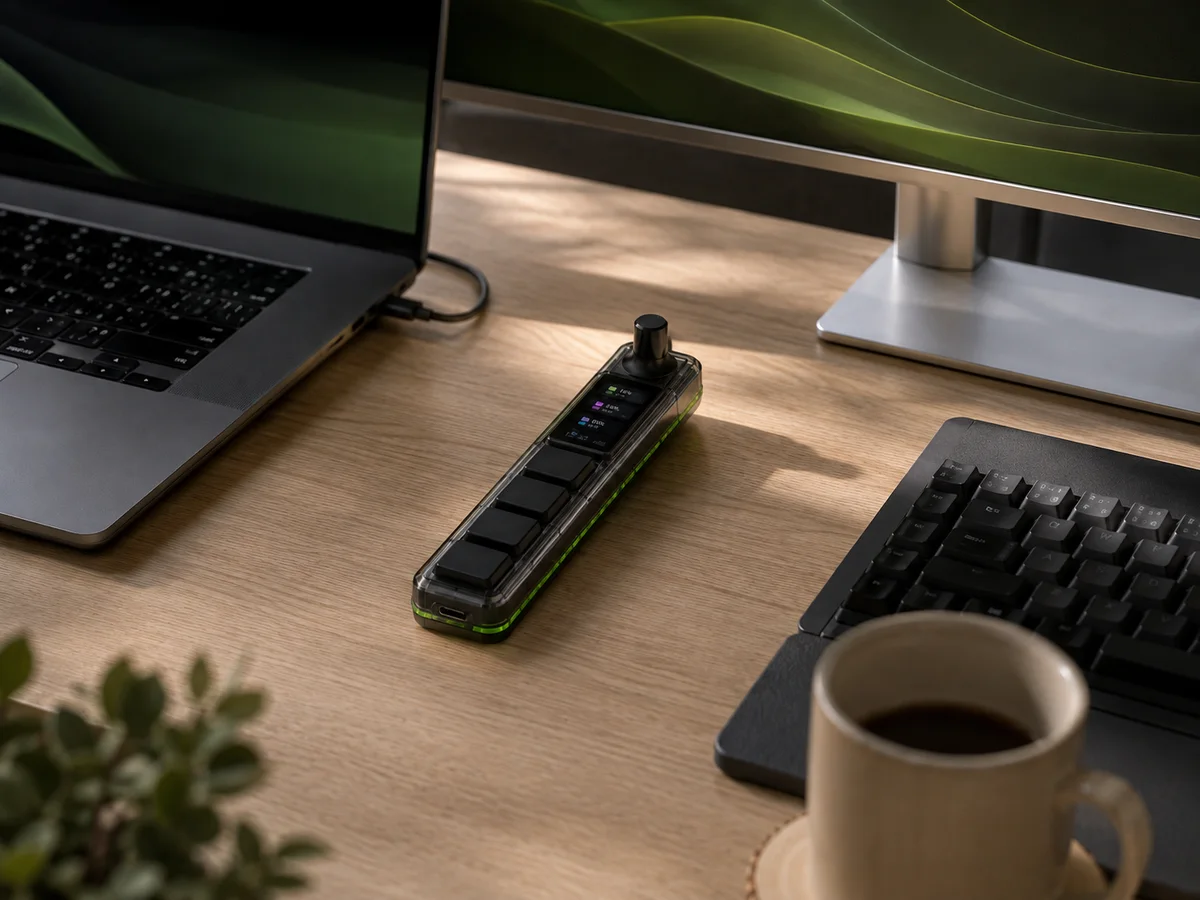
Compact workflow console
A compact console combining a rotary control, a focused information display, and programmable mechanical keys.
Still deciding?
Select “Not sure yet” in the form. We will send final details for the collection before any order is confirmed.